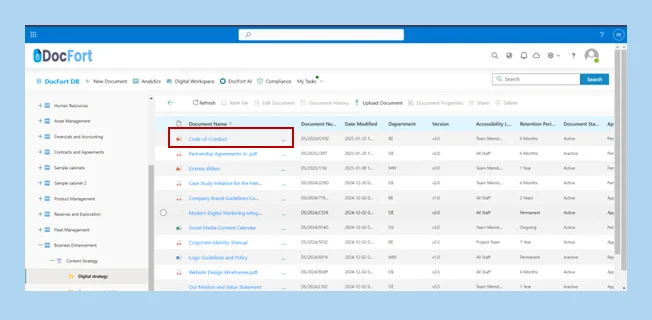
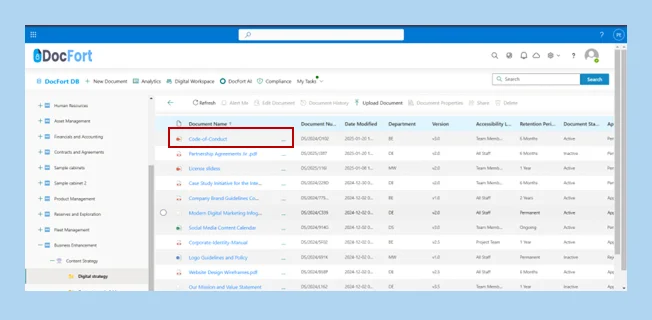
Click on the ellipses (…) of the document that needs to be previewed to reveal the action menu.
Select the “Preview” button to preview the documents.
We use cookies to ensure that we give you the best experience on our website. If you continue to use this site we will assume that you are happy with it.