DocFort User Guide

Menu
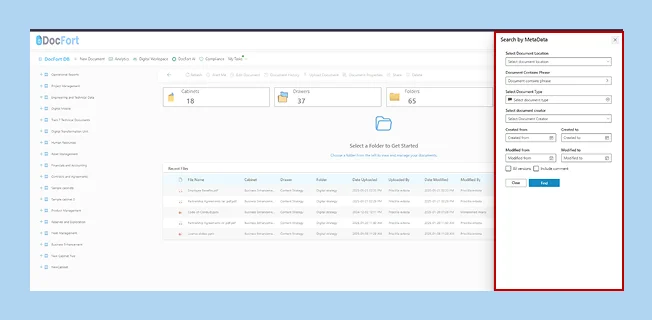
How to capitalize on our Custom Meta-data Search.
Spend less time searching and more time on strategic tasks by leveraging our DocFort custom metadata search feature. Quickly retrieve documents using predefined metadata fields.
To run a custom metadata search,
- Navigate to the top right corner of the screen to the “Search icon”
- Click on the icon to open the search pop-up screen.
- Fill in the correct fields to make the custom search process smooth and easier.
- Fill in the filter dates.
- Check the boxes.
- Click on the “Find” button to initiate the search process.